 Many small businesses struggle trying to figure out how to get their website to rank high in Google searches. With all the recommendations about SEO and Page Ranking for organic traffic, it is easy to loose sight of the objective, be found in Google.
For most small businesses, the primary market is local. They are doing business in their community and spending time marketing to that community. So, why is it so important to be number one in Google search for someone outside you local community? It isn’t! It’s just bad business to spend time marketing to people you are not going to be selling your goods or services.
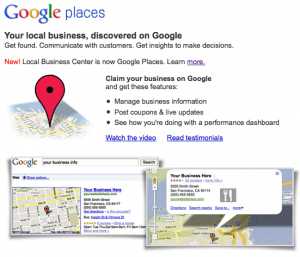
This is where Google Places offers an advantage. Places list your registered business to searches in your local community. It is simple to use and highly effective. Here is how you get your business to appear on page one of a Google search in your local community.
Get Googled
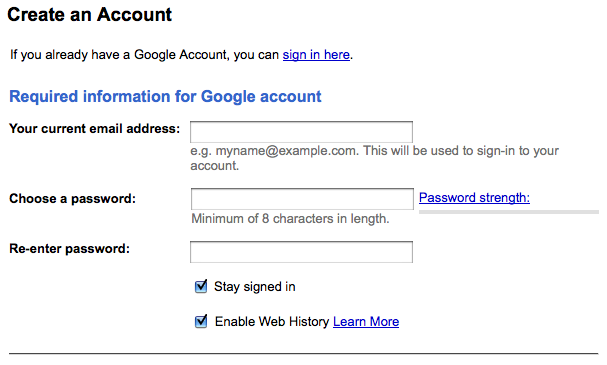
If you do not have a Google account, now is the time to get one. Fill in the blanks with the required information and you are ready to get your small business listed with Google.
 Get Places
Once you have your account, go to Google Places and Sign In. Under the Dashboard tab you will see a link to “Add new listing.” Fill in the information requested about your small business. As you move through the process you will be able to include information about your hours of operation, payment methods, and upload video’s and photo’s. You will have the ability to add as much information about you business as you feel is appropriate and necessary for you potential clients or customers.
Get Ranked
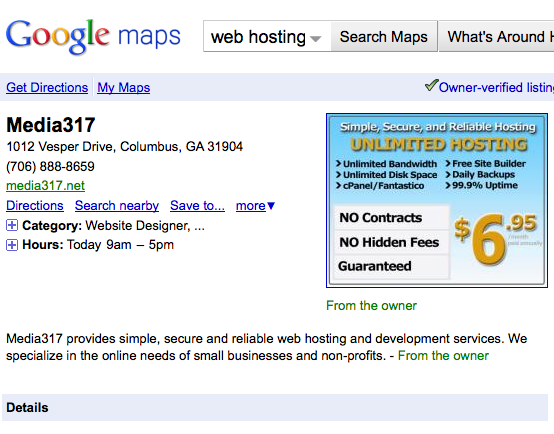
Once you have submitted your small business to Google, it will be reviewed and added to Google listings. Now, when people search for your services or products in your community, Google will put your small business at the top of the list with all the details your customers need to connect with you.
 Will this help you connect with your local customers better? Tell us what you think below.

Leave a Reply