Email Newsletter - It's FREE!

Helping small business owners solve their online problems. Get Online, Get Found, Get Support!

From the BlogSubscribe Now

StudioPress

StudioPress empowers you to quickly and easily build incredible websites with WordPress. Whether you're a novice or advanced developer, StudioPress provides the secure and search-engine-optimized foundation that takes WordPress to places you never thought it could go. It's that simple - start using StudioPress Genesis Theme Framework now!

How To Add Image Sizes to WordPress Theme

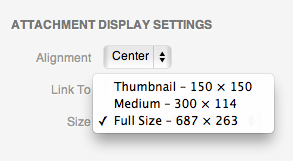
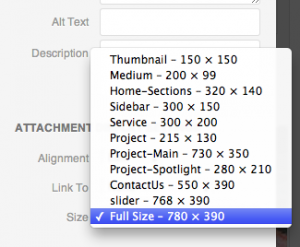
WordPress Attachment Display Settings

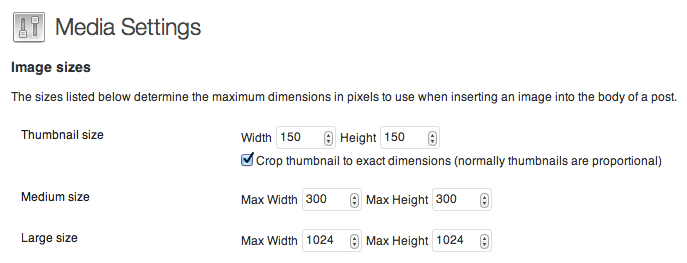
WordPress by default creates three image sizes when you upload an image to the media library, Large, Medium and Thumbnail.  By going to Settings > Media, you can see what the settings are for your install. Sometimes, you need more image sizes.  The default images work, but what about an image that's not square or in between 1024 pixels and 300 pixels?  Often times your theme will include a piece of code to add additional images sizes to the site.  To add a new image size to WordPress, you simply add the following to your functions. php file [NOTE: … [Read more...]

How to Steal Content and Why You Should!

How To Steal Content

Content creation on a regular basis is hard work.  It is even more difficult when we try to come up with content out of thin air.  We think and think about what we should tell our audience only to waste days or weeks without adding to the conversation. This is an area that I have struggled, to be honest with you.  I have always found the prospect of content creation to be a difficult task.  After all, I'm spending all of my available time trying to grow my business.  I have to make the decision to work on a project, find a new project or write some awe … [Read more...]

How to Style the TinyMCE Visual Editor in WordPress

WordPress as CMS

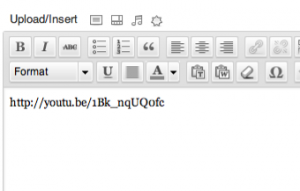
When editing content in the TinyMCE editor, it would be nice for the text to look like it will once you publish the content.  In previous versions of WordPress, there was no easy way to do this.  You had to do some hacks to get the visual editor to display your style sheet. Style the TinyMCE Visual Editor To style the editor so your content in the dashboard looks like the content your publishing, you simply add the following to you functions.php file of your theme:   … [Read more...]
5 Features to Consider when Choosing a WordPress Theme

WordPress Stickers

There are so many advantage of using WordPress websites over static HTML ones.  WordPress websites are cheaper and easier to build, can be easily updated and edited and allows users to add a number of social plug-ins. This makes WordPress websites the ideal solution for any small business looking to build a formidable online presence without breaking the bank. As WordPress is open source, small business owners can save a lot of money as they do not have to pay licensing fees for installing and using WordPress websites. Moreover, this open source nature allows … [Read more...]

The Truth About Your Website . . .It’s Leaking!

OddStockfrom Flickr

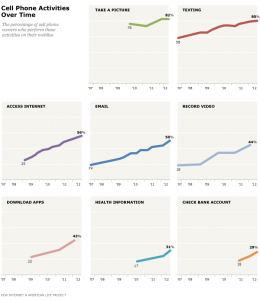
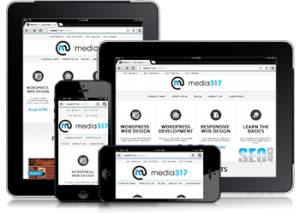
One of the problems your website has to overcome is Bounce Rate.  It is the metric of how quickly someone leaves your site.  When the bounce rate is high, that indicates that people are leaving without spending any appreciable amount of time on your site. A Mobile, Responsive Site for Business A high bounce rate can be bad for business.  Keep it LOW! [TWEET] Recent studies have shown an ever-increasing trend in mobile users.  The number of people accessing the internet with a mobile device is growing.  According to a September 2012 study by PewInternet, nearly … [Read more...]