I had a project where I needed to simplify the process of sharing content for the clients users. I wanted to create a simple button to copy text or an image so the client could easily share it on social media. After some searching I found a simple javascript called Clipboard.js, which provided a simple to use solution that didn’t add a lot of load time to the page. This is how to add it to a page or post on your WordPress site.
Get the Code
Go over to clipboardjs.com and download the .zip file. You will need to upload the ‘clipboard.js’ or ‘clipboard.min.js’ to your WordPress theme. I recommend creating a ‘js’ directory to store all of your theme javascript, if your theme does not already include one.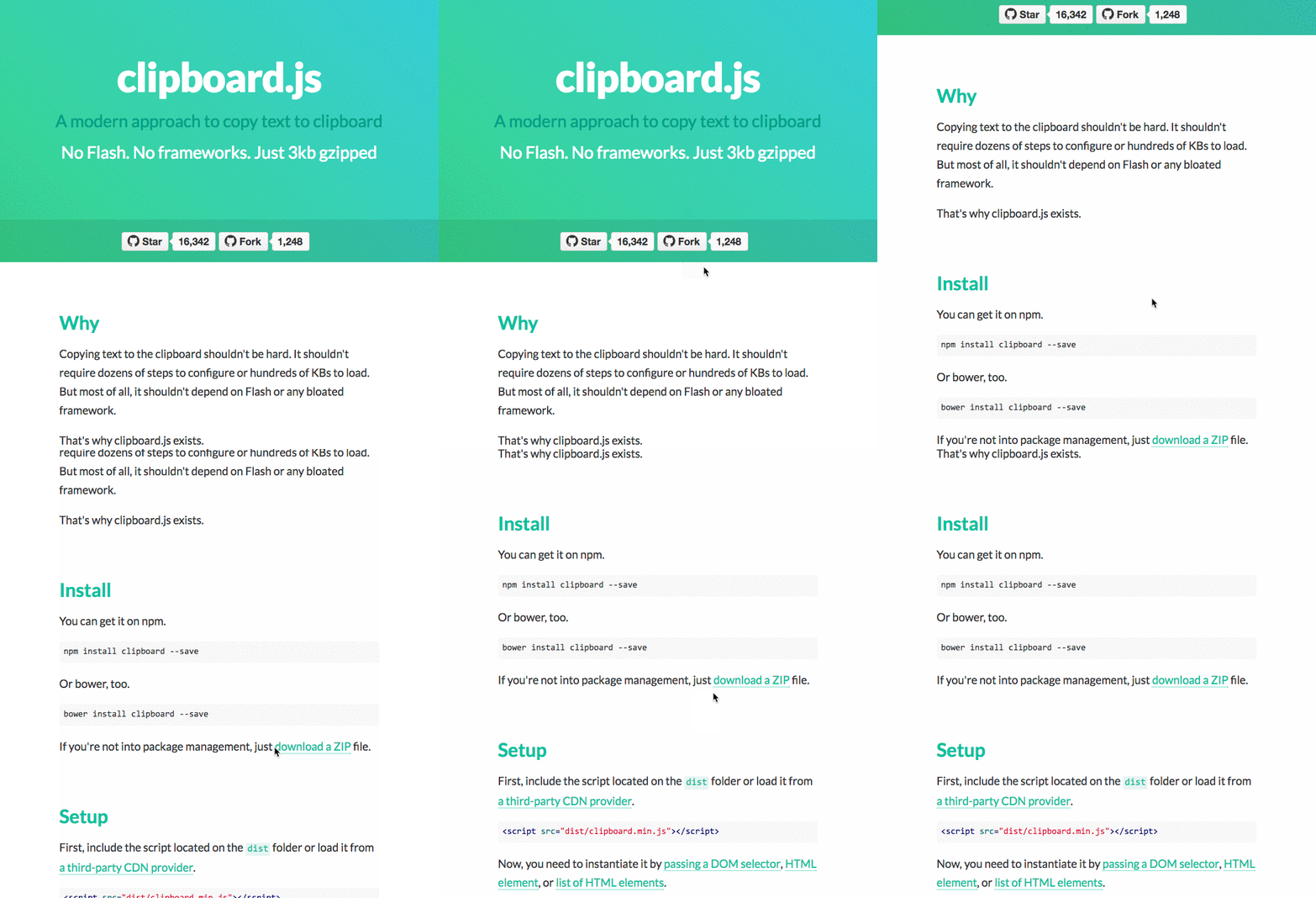
Adding the Code to Your Theme
Add the following to your functions.php file of your theme. If are using the Genesis Framework, make sure this goes in a child theme function.php file. Note the clipboard.js file name. Make sure to change this to reflect the correct name of the file you have loaded to your theme’s js directory.
This file contains bidirectional Unicode text that may be interpreted or compiled differently than what appears below. To review, open the file in an editor that reveals hidden Unicode characters.
Learn more about bidirectional Unicode characters
| //* Enqueue Scripts | |
| add_action( 'wp_enqueue_scripts', 'load_responsive_javascript' ); | |
| function load_responsive_javascript() { | |
| wp_enqueue_script( 'clipboard', get_stylesheet_directory_uri() . '/js/clipboard.js', array( 'jquery' ), '1.0.0' ); | |
| } |
HTML Structure
On the page or post you want to include the copy to clipboard, you will need to use the following HTML structure. You will need to add this in the text editor of the post or page. If you copy/paste into the visual editor, it will be considered text and not HTML. So click the Text tab in the upper right corner of the editor.
This file contains bidirectional Unicode text that may be interpreted or compiled differently than what appears below. To review, open the file in an editor that reveals hidden Unicode characters.
Learn more about bidirectional Unicode characters
| <div id="clipboard"> | |
| <p>Your Text to be copied</p> | |
| </div> | |
| <button class="btn" data-clipborad-action="copy" data-clipboard-target="#clipboard">Copy to Clipboard</button> | |
| </div> |
Clipboard.js has several variations available for your HTML structure. Look at the source files in the directory ‘demo’ for some examples of what you can do with this setup.
Instantiate Script
To complete the process, you will need to add the following javascript to the page or post you have added the HTML. WordPress offers multiple ways you can add script to your site. Since this is a couple lines, it is easier to simple to add it to the bottom of the post or page in the text editor.
This file contains bidirectional Unicode text that may be interpreted or compiled differently than what appears below. To review, open the file in an editor that reveals hidden Unicode characters.
Learn more about bidirectional Unicode characters
| <script type="text/javascript"> | |
| var clipboard = new Clipboard('.btn'); | |
| </script> |
Your Turn
I hope you find this helpful. It solved a problem I had for a client and made for a better user experience for their customers.
Just added copy to clipboard to my @WordPress website using clipboard.js Click To TweetIf you have any questions or feedback, please post in the comments below.
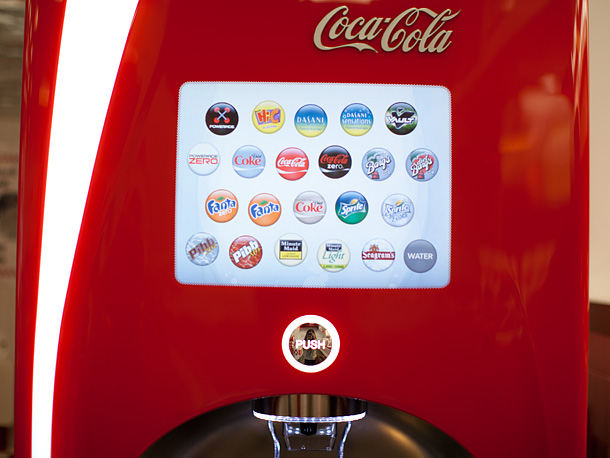 I had heard of these new soda machines, but had not used one myself. I have to admit, I was a little excited. As a technophile, I always get a little excited when tech is introduced into non-tech devices.
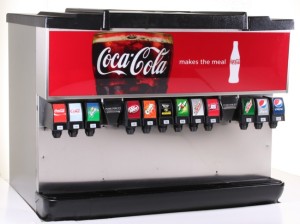 What I noticed was how difficult this process seemed to be for others down the row. There were people getting ‘lessons’ on how to work the new machine. There were some people simply standing there holding their cup staring blankly at the screen. My son found this to be the ultimate way to create a ‘suicide,’ and began touching every option and adding it to his cup.





 One of the frequently requested features I get with a